
GitHub
This document will help you to update your project using GitHub. So ensure you have a GitHub account and install git on your system, also ensure you have a repository for your admin project where you already pushed our project.
Install git on your system:
Open your terminal if you are on windows open git bash.
Command for Clone the repository:
git clone https://github.com/username/repository.gitStep 1:
Download the latest version of the project from Codecanyan and extract it. You know we have two zip files in Core.zip: Admin.zip and client.zip.
So, you should have a repository for admin.
Clone the repository on core folder.
Now you have 2 folders on core folder. One from git and one from codecanyan.
Step 2:
Go to git repository folder remove all files and folder except .git folder.
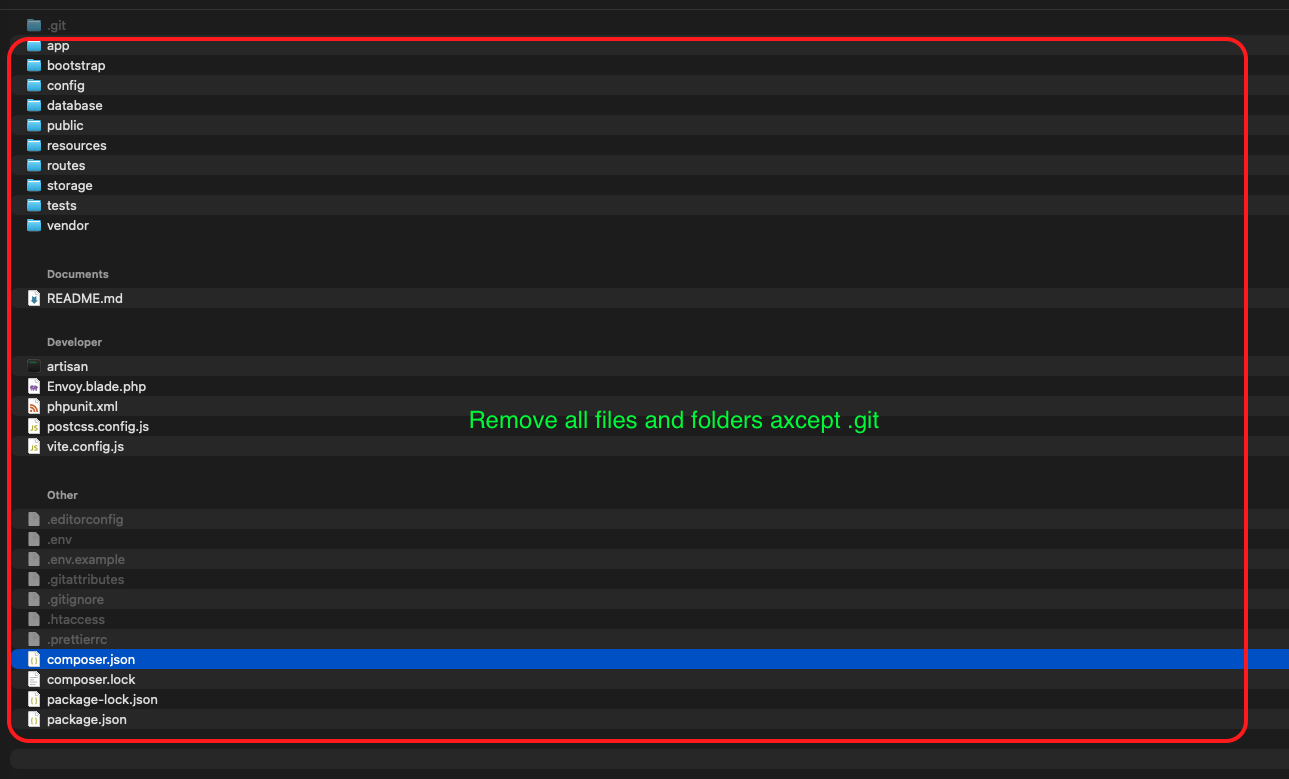
As you can see bellow removed all files and folder except .git folder.

Step 3:
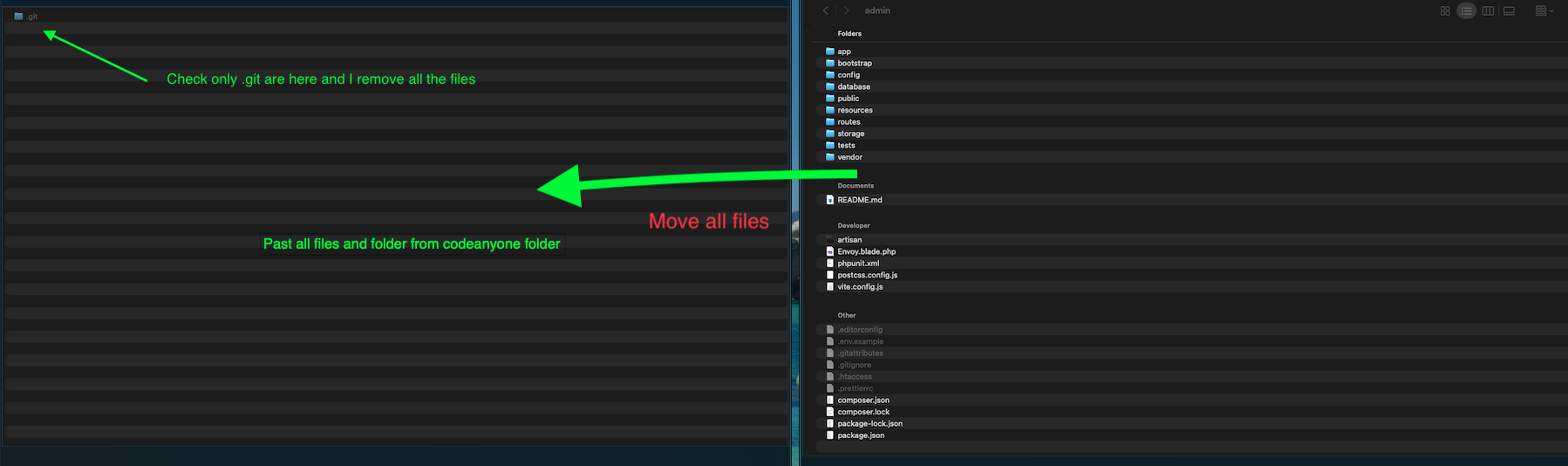
Now copy all files and folder from codecanyan repository and paste it in git repository folder.
Step 4:
Now push it to github.
    git add .
    git commit -m "Update"
    git push
Conclusion
You have successfully updated your admin panel using GitHub.